
Photo Studio
Production Equipment
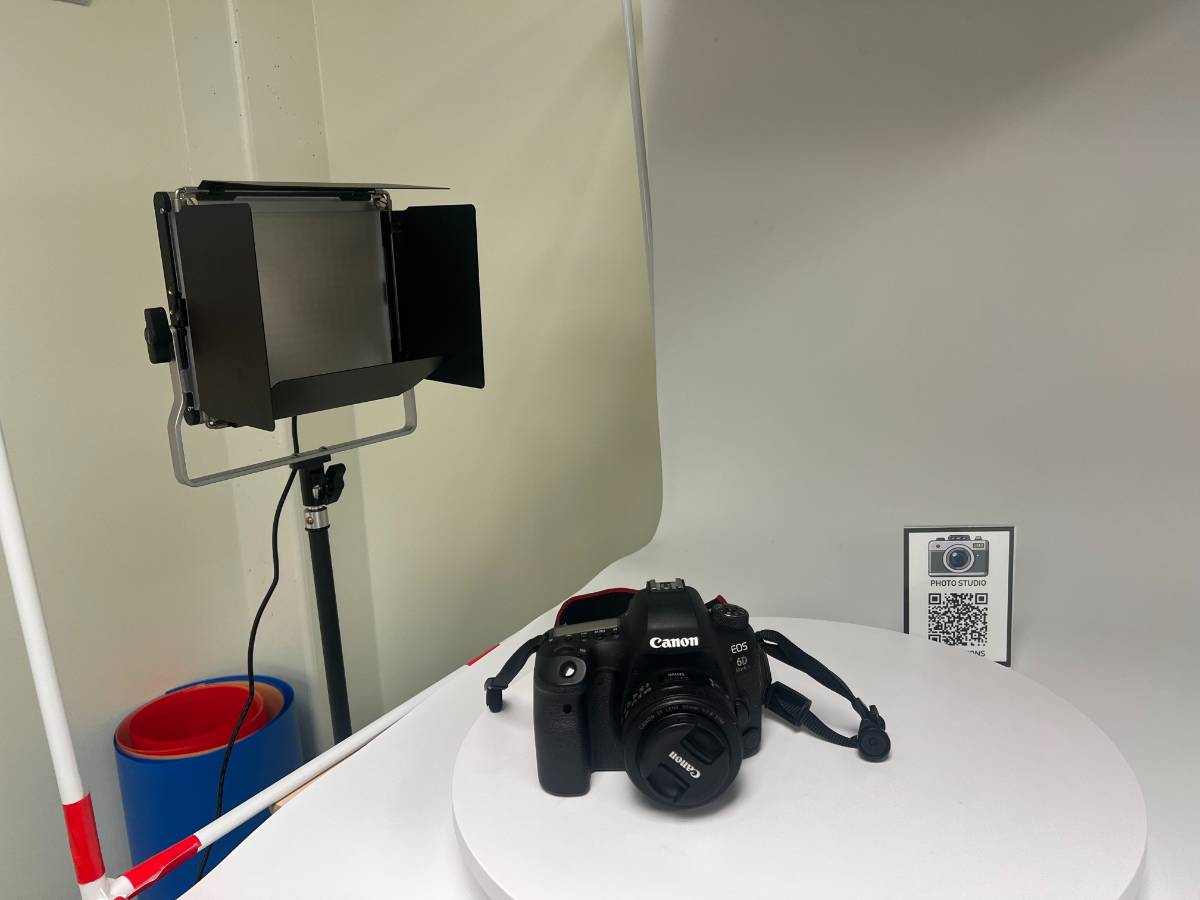
This photo studio is designed to assist USU students in their photography needs. Equipped with a Canon EOS 6D mark II camera, light box, turntable, backdrops and lighting, this studio enables the user to get high quality photographs of products or projects as well as headshots.
Camera Instructions
1
Turn on the camera and take off the lens cap.
2
(Optional) Tether the camera to Adobe Lightroom for live editing.
3
Put the camera in ‘auto’ by rotating the top left dial until the green ‘A’ is matched with the white dash.
4
Set up your subject against the backdrop or in the lightbox.
5
Position the tripod and auto focus until you have the desired composition.
6
Export photos to a personal drive.
7
Put on the lens cap, return the tripod to the corner of the room and turn off all used devices.